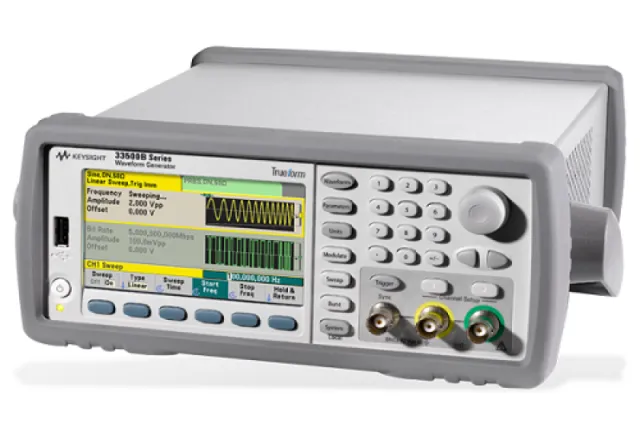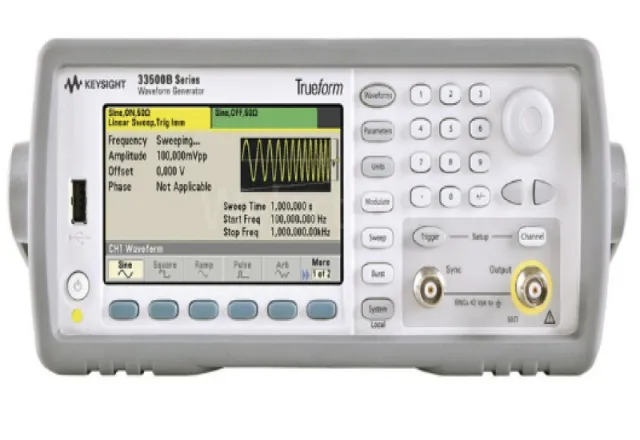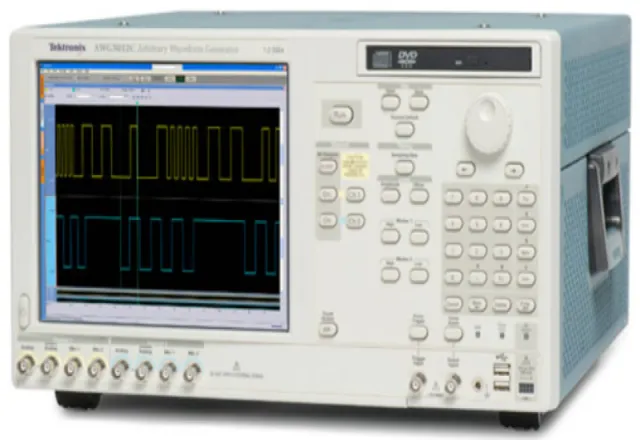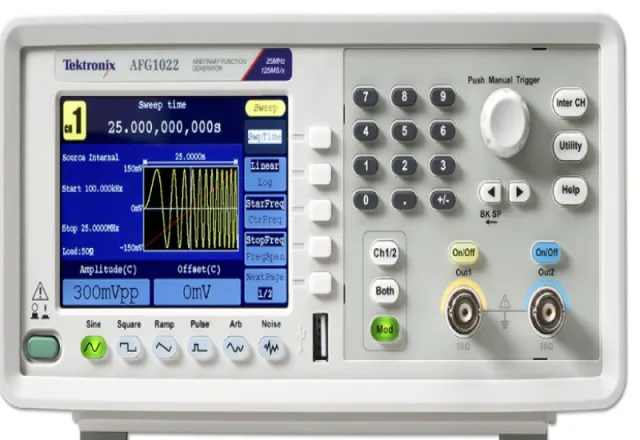
The signal generator is the natural partner of the oscilloscope on any test bench. It can simulate a sensor, inject a clock, drive a filter to measure its response, reproduce an encoder signal while repairing a CNC board, or show how a circuit reacts to a pulse. When shopping for one you will find two families: the function generator and the arbitrary waveform generator (AWG). Many instruments now combine both, but the specifications that matter differ depending on the job. This guide explains how to read them and how to avoid the most common connection mistakes.
Function generator vs. arbitrary generator: the difference
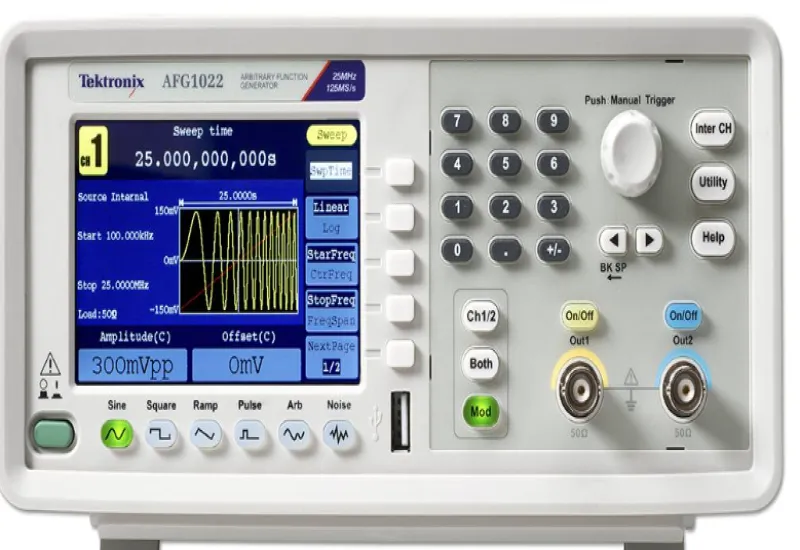
A function generator produces the classic waveforms: sine, square, triangle, ramp, pulse and noise, usually with modulation (AM, FM, PM, FSK, PWM), frequency sweeps and burst mode. Most current models use direct digital synthesis (DDS): a waveform table is stepped through at a rate that sets the output frequency. It is very flexible for changing frequency with fine resolution.
An arbitrary waveform generator lets you load a user-defined waveform, point by point: the real signal of a sensor captured with an oscilloscope, a bit sequence, a motor start-up voltage profile or a grid transient. Modern instruments are often “function/arbitrary” generators, but how faithfully they reproduce an arbitrary waveform depends heavily on their architecture, sample rate and memory.
The specifications that matter
Maximum frequency
The headline number on the datasheet usually refers to the sine wave. Square, pulse, triangle and ramp waves almost always have a lower limit, because they contain harmonics the instrument must reproduce. Check the limit for the waveform you will actually use.
Sample rate and memory
In arbitrary mode, the sample rate (in samples per second) limits the frequency content you can reproduce. By the Nyquist theorem it must be more than twice the highest component; in practice you want considerably more, because the reconstruction filter is not ideal. Memory depth (number of points) defines how much signal time can be stored at a given sample rate. To reproduce long events with fine detail you need both.
Vertical resolution
This is expressed in bits. More bits mean finer amplitude steps and less quantization noise, which matters when generating small signals or signals with a wide dynamic range. Note that when output amplitude is reduced a lot, some instruments lose effective resolution, depending on how they implement their attenuators.
Rise time, jitter and distortion
- Rise and fall time: defines how fast the edges of a square wave or pulse are. If you test digital logic or power drivers, it is key.
- Jitter: timing variation of the edges. In some DDS architectures the edges are tied to the sample clock and show more jitter; check the specification if you will use the generator as a clock.
- Harmonic distortion and spurious-free dynamic range (SFDR): show how “clean” the sine wave is. They matter when characterizing amplifiers, filters or audio converters.
Amplitude, offset and channels
General-purpose generators usually deliver a few volts peak to peak; the exact value depends on the model and the load. If you need more voltage, there are high-voltage generators, or you can use an external amplifier. Also consider how many channels you need, whether they must be phase-synchronized, whether the outputs are isolated (floating) from ground, and whether the instrument accepts or provides a 10 MHz reference to synchronize with other instruments.
The 50 Ω mistake
This is the most frequent question on the bench. Almost all generators have a 50 Ω output impedance, and the amplitude shown on screen assumes the output is connected to a 50 Ω load. If you connect the generator directly to an oscilloscope with a 1 MΩ input or to a high-impedance circuit, you will see roughly twice the set amplitude, because there is no longer a voltage divider between the internal impedance and the load.
The fix is simple: in the output menu, set the load to “high impedance” (High Z) when the circuit is high impedance, or use a 50 Ω termination at the oscilloscope input when you want to work in a 50 Ω system. The amplitude on screen will then match reality. The same applies to offset.
Other connection precautions
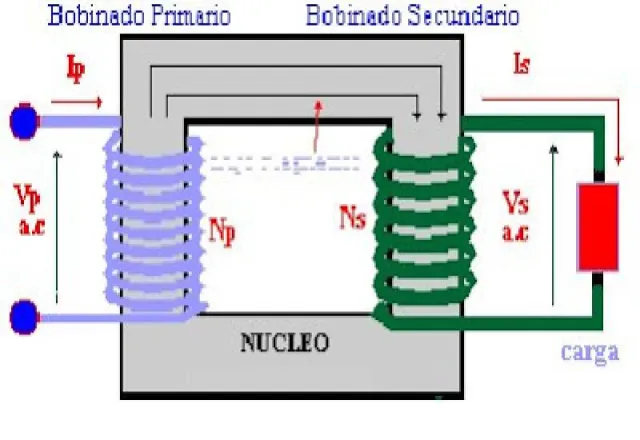
- Common ground. On most models the BNC shell is tied to earth. Connecting it to a point in the circuit that is not at ground, such as the high side of a power circuit, can create a short. Use a model with isolated outputs or a signal isolation transformer when needed.
- Output protection. Do not connect the output to a circuit that can feed voltage or current back: many generator repairs are due to outputs damaged this way.
- Cables and reflections. With fast edges or high frequencies, use 50 Ω coaxial cable and terminate the line correctly; otherwise you will see overshoot and ringing that are not part of the signal.
Typical industrial applications
| Application | What to prioritize |
|---|---|
| Simulating sensors and control loops | Offset, stable low frequency, arbitrary mode |
| CNC board repair and encoder simulation | Two synchronized channels with adjustable phase, clean pulses |
| Frequency response of filters and amplifiers | Sweep, low distortion, good amplitude flatness |
| Digital logic and clock testing | Short rise time, low jitter |
| Replaying captured signals | Sample rate, memory and vertical resolution |
Calibration and maintenance
If the generator is used to verify other instruments or as part of a quality procedure, its frequency and amplitude must be calibrated with traceability. The internal timebase has an accuracy and an aging rate stated by the manufacturer; for work that needs better accuracy it can be locked to an external 10 MHz reference. Also check that the fan works and that the BNC connectors are in good condition: a loose connector causes intermittent errors that are hard to diagnose.
Renting or buying
If the generator is part of your daily bench, buying is usually best. For a one-off project, a validation, or a need for higher frequency or high voltage that your current instrument does not cover, renting avoids an investment that will see little use. Before deciding, list the waveform, the maximum frequency, the amplitude into your real load, the number of channels and whether you need isolated outputs.
How CreativeIT can help
At CreativeIT Group we offer function and waveform generators, arbitrary waveform generators, sales of the Keysight 33500B and waveform generator rental in Monterrey. We help you choose the right instrument for your application. Contact us at (81) 4777 6921 or info@creativeit.mx.