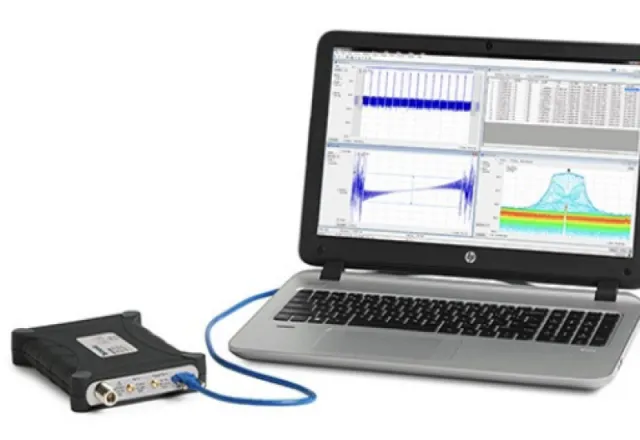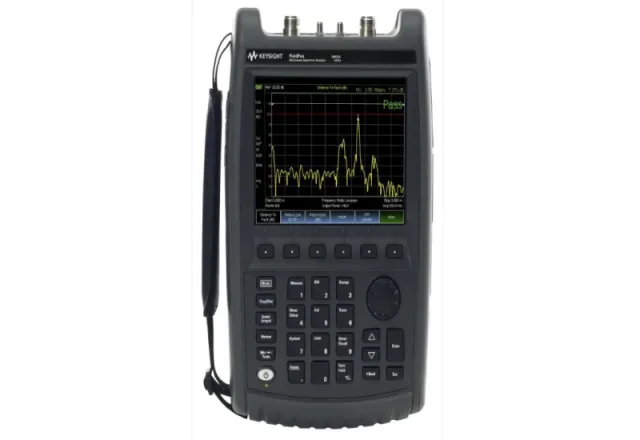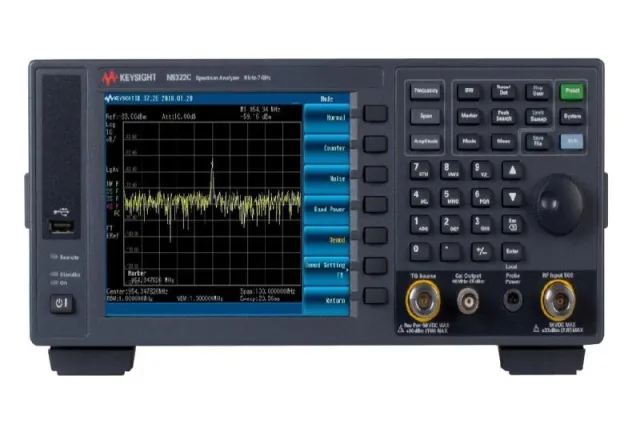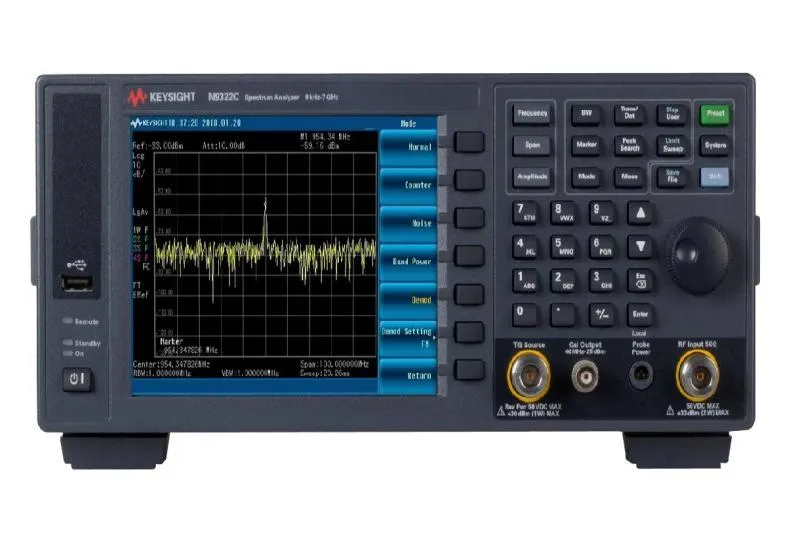
A spectrum analyzer can show in great detail what is happening in a radio-frequency signal: harmonics, spurs, interference, channel power or the noise floor of a system. But it can also show something very different from reality if it is set up badly. A weak signal that disappears under the noise, two nearby carriers that look like one, a sweep that takes minutes or distortion generated by the instrument itself are common mistakes, and they nearly always come down to a handful of settings. This guide explains what each main setting does, how they relate to each other and what to watch to measure with confidence.
Swept or real-time
The classic swept (superheterodyne) analyzer sweeps the frequency range with a resolution filter and builds the trace point by point. It is very versatile and offers wide dynamic range, but it only “sees” a small portion of the spectrum at any instant: an intermittent signal can appear and disappear without being captured. Real-time analyzers continuously process a complete bandwidth with FFT and are the best tool for pulsed signals, frequency hopping or sporadic interference, within their real-time bandwidth. Many modern instruments combine both modes.
Centre frequency and span
The centre frequency and the span (the width of the range displayed) define the observation window. A common mistake is to leave a very wide span to “see everything”: the trace has a limited number of points, so each point represents a large portion of the spectrum and detail is lost. Start with a wide span to locate the signal, then narrow it around what you really care about.
Resolution bandwidth (RBW)
RBW is the width of the filter through which the analyzer “looks” at each frequency. It is the most important setting:
- Resolving signals: to distinguish two nearby signals, the RBW must be smaller than their separation. With too wide an RBW they appear as a single peak.
- Displayed noise level: a narrower filter lets less noise through. For random noise, reducing the RBW tenfold lowers the displayed noise floor by about 10 dB, so weaker signals become visible.
- Sweep time: the price of a narrow RBW is speed. In a swept analyzer, the required time grows roughly with the span divided by the square of the RBW: reducing the RBW tenfold can make the sweep around a hundred times slower.
Most analyzers couple RBW to span automatically. That is a good starting point, but when looking for weak or closely spaced signals it is worth adjusting it manually.
Video bandwidth (VBW) and averaging
VBW is a post-detection filter that smooths the trace. Reducing it makes noise look like a cleaner line and makes it easier to read the level of a signal close to the noise floor, but it does not improve frequency resolution and it also lengthens the sweep. Trace averaging serves a similar purpose. For modulated or noise-like signals, bear in mind that video filtering and the type of averaging can alter the level read; in those cases use the instrument’s channel power measurement functions.
Reference level and input attenuation
The reference level is the top line of the display. It should be set so that the strongest signal sits close to it without exceeding it. The analyzer links this setting to the input attenuation, which protects the internal mixer and controls how much signal reaches it:
- Low attenuation: better sensitivity (lower noise floor), but if the signal is strong the mixer is overdriven and generates harmonics and intermodulation that do not exist in the device under test.
- High attenuation: the mixer has plenty of headroom, but the displayed noise floor rises by the same amount.
Quick internal distortion check: if you suspect a harmonic or spur is generated by the analyzer itself, increase the attenuation by 10 dB. If the displayed level of that component changes, it is generated inside the instrument; if it stays the same, it is in the signal being measured.
The internal preamplifier, where fitted, improves sensitivity for very weak signals but reduces the maximum level that can be applied without distortion. Use it only when you need it.
Protect the input
The RF input is the most vulnerable part of the instrument and the most expensive to repair. Check the maximum power and DC voltage ratings marked on the front panel or in the manual for your model and always respect them. Before connecting an unknown source, such as a transmitter or amplifier output, use an external attenuator of suitable power rating and, if there may be a DC component, a DC block. Never connect a power output directly without knowing its level.
Detectors and units
| Detector | Typical use |
|---|---|
| Peak | Continuous-wave (CW) signals and spur searches; no peak is missed |
| Sample | Noise measurements |
| RMS / average | Power of digitally modulated signals and channel power |
| Quasi-peak | Emissions measurements to electromagnetic compatibility standards |
The most common unit is dBm (decibels referred to 1 mW): 0 dBm equals 1 mW and every 10 dB represents a factor of ten in power. In 50 Ω systems, add 107 dB to the dBm value to convert to dBµV.
Typical measurements
- Harmonics and spurs from oscillators, switch-mode supplies and transmitters.
- Channel power, occupied bandwidth and adjacent channel power ratio on modulated signals.
- Interference hunting in plants and radio sites, with suitable antennas.
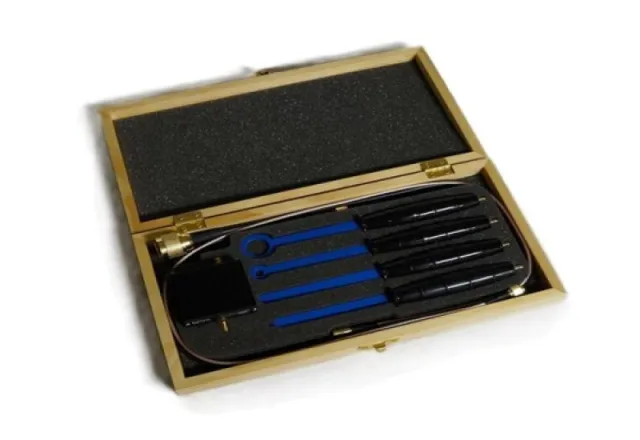
- Emissions pre-diagnosis with near-field probes, to find which part of a board is radiating before sending it to an electromagnetic compatibility lab.
Buy or rent
The parameters that define which analyzer you need are frequency range, displayed average noise level (DANL), phase noise, analysis bandwidth and the measurement applications included. If the need is occasional, such as an interference hunt or a validation, spectrum analyzer rental lets you use the right equipment without capital investment. For continuous lab use, buying usually makes sense.
How CreativeIT can help
At CreativeIT Group in Monterrey we offer spectrum analyzers for sale and rent, as well as RF probes, antennas and accessories. We help you choose the equipment and setup your measurement requires. Contact us on (81) 4777 6921 or at info@creativeit.mx.