When a CNC machining centre stops on an electronic alarm, every hour of downtime costs production, and the first reaction is often to order a new board from the manufacturer. Sometimes that is the only option, but often the fault lies elsewhere —a cable, a power supply, a flat battery— or the board can be repaired at component level. Knowing the most common faults, what to check before removing anything and how to prepare a board for repair saves time, money and costly mistakes. This guide is written for maintenance managers and technicians who look after CNC machines on the shop floor.
Which boards a CNC control contains
Although every brand organises its electronics differently, you will find these blocks in almost every control:
- Power supply: converts the machine supply into the control’s DC voltages (typically 5 V, 24 V and others). It is among the boards that fail most.
- Main board or CPU: processor, program and parameter memory, communication with the rest of the system.
- Axis boards and feedback interface: receive the signals from encoders and linear scales.
- Servo amplifiers and spindle drives: power electronics with IGBTs, DC bus capacitors and gate drive circuits.
- Input/output (I/O) modules: link sensors, valves, relays and the machine PLC.
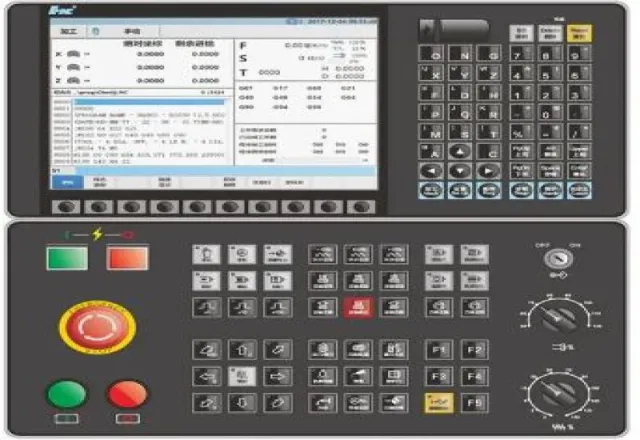
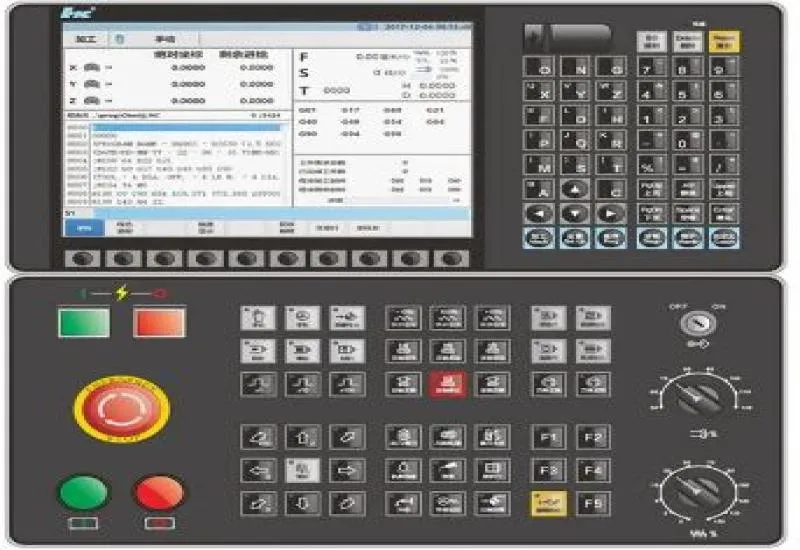
- Display and operator panel (MDI): monitor, keypad, backlight and its supply.
Why CNC boards fail
A machine shop is a demanding environment for electronics. The most frequent causes are:
- Heat: sealed cabinets, stopped fans or clogged filters raise the internal temperature. Electrolytic capacitors dry out faster with temperature and lose capacitance or develop higher equivalent series resistance (ESR).
- Contamination: coolant mist, oil and metal dust settle on the boards. With humidity they form conductive paths and corrode tracks and connectors.
- Supply events: surges, voltage sags, loss of a phase or poor grounding damage power supplies and input stages, and cause intermittent alarms that are hard to reproduce.
- Vibration and thermal cycling: over the years, cracked solder joints and loose connectors appear, especially on heavy components.
- Motor or cable faults: a motor with damaged insulation or a shorted power cable can destroy the servo amplifier that drives it. If only the drive is replaced, the new one fails too.
- Flat backup battery: many controls keep parameters, programs or absolute axis position on a battery. When it runs down, the machine can “forget” its configuration.
What to check before removing a board
An orderly diagnosis avoids sending off a board that is not to blame:
- Record the alarm. Write down the exact code, the text, when it appears (at power-up, when moving an axis, under load) and the control’s alarm history. Photograph the screen.
- Check the supply. Measure the input voltage on all three phases and the DC outputs of the power supply. Check fuses and breakers.
- Check ventilation and cleanliness. Fans, filters, heat exchangers or the cabinet air conditioner.
- Inspect connectors and cables. Encoder cables damaged by chips or by cable-chain movement are a very common cause of feedback alarms.
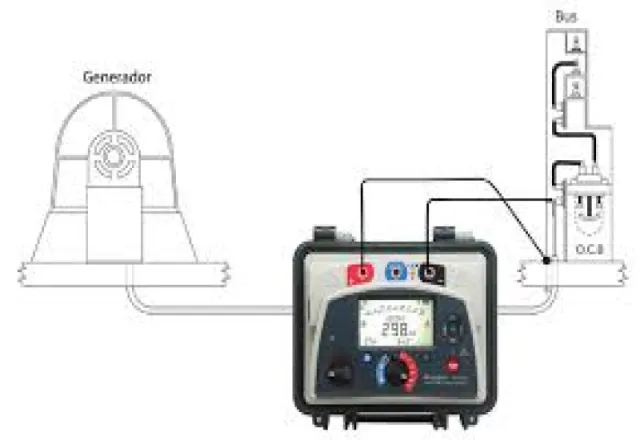
- Test the motor and its cable if the alarm is overcurrent or a drive fault. Measure insulation resistance with the motor disconnected from the amplifier: applying the insulation tester voltage with the drive connected can damage it.
- Swap with care. Moving an axis amplifier to an identical axis helps show whether the fault follows the board or stays with the axis, but only do it if the manual allows it and after ruling out a short in the motor.
Back up everything before you start
Before replacing a CPU or memory board or a battery, make a full backup: parameters, part programs, the PLC (ladder) program, tool and pitch error compensation, and configuration data. Keep a copy off the machine. For battery replacement, many manufacturers specify doing it with the control powered on so the memory or absolute position is not lost; always follow the procedure in your control’s manual.
Common symptoms and where to look
| Symptom | Likely area |
|---|---|
| Control will not power up or resets itself | Power supply, input supply, battery or CPU |
| Overcurrent alarm or fault on one axis | Servo amplifier, motor or power cable |
| Encoder or feedback alarm | Encoder cable or connector, encoder, axis board |
| Lost parameters or axis reference | Backup battery, memory or main board |
| Dark screen while the control runs | Backlight, display supply or video cable |
| Intermittent faults when hot or late in the shift | Degraded capacitors, cracked solder joints, ventilation |
Repair or replace
Replacing with a new board is the most direct route when the spare is available and the cost is reasonable. Repair usually makes sense when:
- The model is discontinued or the original spare has a long lead time.
- The cost of a new board is high relative to the value of the machine.
- The fault involves typical wear components: capacitors, switch-mode supplies, power semiconductors, relays or connectors.
A component-level repair includes visual inspection and cleaning, diagnosis with instruments, replacement of damaged parts and of those showing wear, and a functional test. Always ask what was replaced and how the board was tested before it was returned, because a bench test does not always reproduce every condition in the machine.
How to send a board for repair
- Photograph the board in place, its connectors, jumpers and DIP switches before removing it.
- Handle it with an antistatic wrist strap and pack it in an ESD bag with cushioning.
- Include the machine make and model, part number, alarm code and a description of the fault.
- If you suspect the motor or the supply caused the damage, say so: it helps prevent a repeat failure.
Prevention
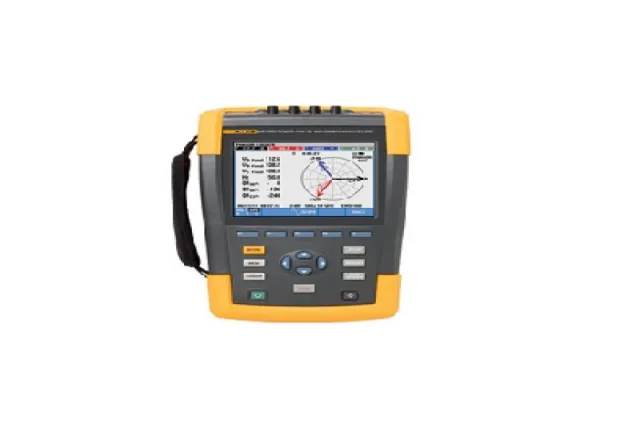
Most failures can be pushed further apart with basic maintenance: cleaning and sealing cabinets, changing filters, checking fans, thermographic inspection of the electrical cabinet, insulation testing of motors and a power quality study if alarms coincide with supply events. Replacing backup batteries on a schedule, rather than waiting for the alarm, prevents lost configurations.
How CreativeIT can help
At CreativeIT Group we provide CNC electronic board repair and support root-cause diagnosis with insulation resistance testing of motors and cables and power quality analyzer rental. See also our CNC equipment repair services. Contact us at (81) 4777 6921 or info@creativeit.mx and tell us which alarm your machine is showing.